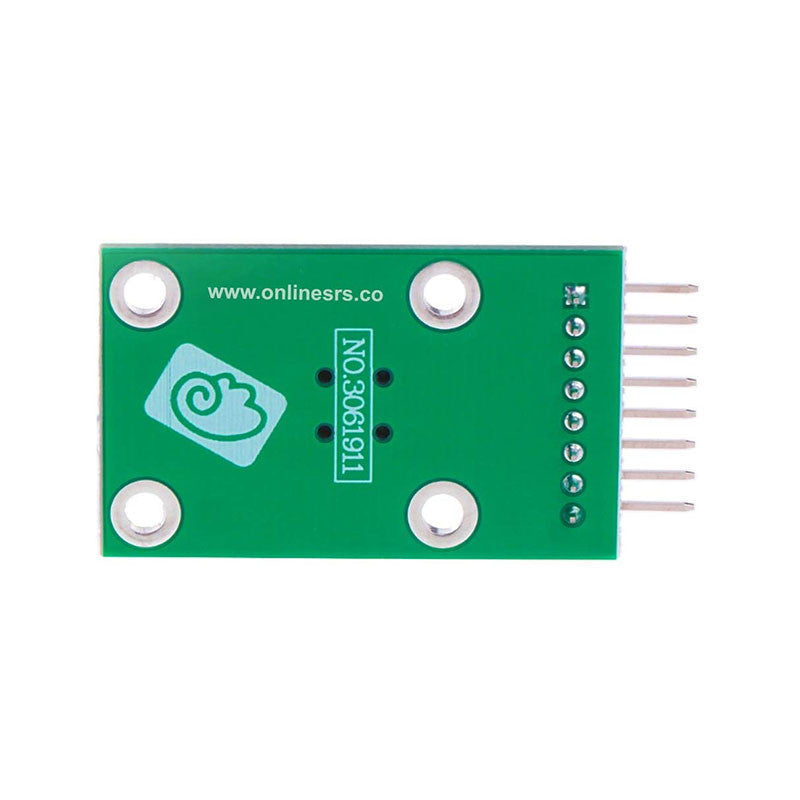
1pcs Five Direction Navigation Button Module for MCU AVR Game 5D Rocker Joystick Independent Keyboard for Arduino Joystick
Couldn't load pickup availability
Pin and Wiring Instructions for Key Module
I. Pin Functions
● COM: Common terminal, needs to be connected to VCC or GND of the MCU development board
● UP: "Up" direction key, connect to MCU IO pin
● DWN: "Down" direction key, connect to MCU IO pin
● LFT: "Left" direction key, connect to MCU IO pin
● RHT: "Right" direction key, connect to MCU IO pin
● MID: "Middle" direction key, connect to MCU IO pin
● SET: "SET" key, connect to MCU IO pin
● RST: "RST" key, connect to MCU IO pin
II. Wiring Instructions
The development board and the key module are connected correspondingly through pins. Taking GPIO pins as an example:
Development Board VCC → Key Module COM
Development Board GND → Key Module COM
Development Board GPIO_0 → Key Module UP
Development Board GPIO_1 → Key Module DWN
Development Board GPIO_2 → Key Module LFT
Development Board GPIO_3 → Key Module RHT
Development Board GPIO_4 → Key Module MID
Development Board GPIO_5 → Key Module SET
Development Board GPIO_6 → Key Module RST
(Note: The actual wiring can be adjusted according to the pin resources of the development board, as long as the functions correspond )
- Express Delivery
- 12 Months Warranty
- 7 Days Easy Replace